
Your WordPress site looks professional, the content is solid, and you’ve followed all the right SEO guides and checked all the usual boxes. So why does Google still seem to ignore it?
In most cases, the problem isn’t your content or your keywords. Businesses lose rankings because of technical WordPress SEO issues they don’t even realize are there, like messy permalink structures or missing meta descriptions. Those small oversights prevent search engines from understanding what your site actually offers.
This article breaks down the most common misconceptions that keep WordPress sites from ranking. We’ll show you what’s going wrong and how to fix it, starting with the technical issues most business owners miss completely.
Why Your WordPress Site Isn’t Ranking
Your WordPress site isn’t ranking because search engines are struggling to read it, not because your content sucks.
When rankings stall, most business owners assume they need to publish more posts or rewrite everything. In reality, a few technical problems often stop Google from even understanding what your site is about.
Search engines need clean structure, clear signals, and fast-loading pages to figure out what each page covers. If your URLs are messy, key pages are buried three clicks deep, or images take forever to load, Google can’t confidently decide where you should rank. Even great content gets ignored when crawlers can’t navigate your site properly
Most of these issues come from WordPress defaults that nobody ever changes. For example, unclear URL structures, missing or misconfigured sitemaps, and heavy images all pile up over time.
Fixing these technical gaps usually improves rankings faster than writing ten more blog posts ever will.
The SEO Features WordPress Doesn’t Give You
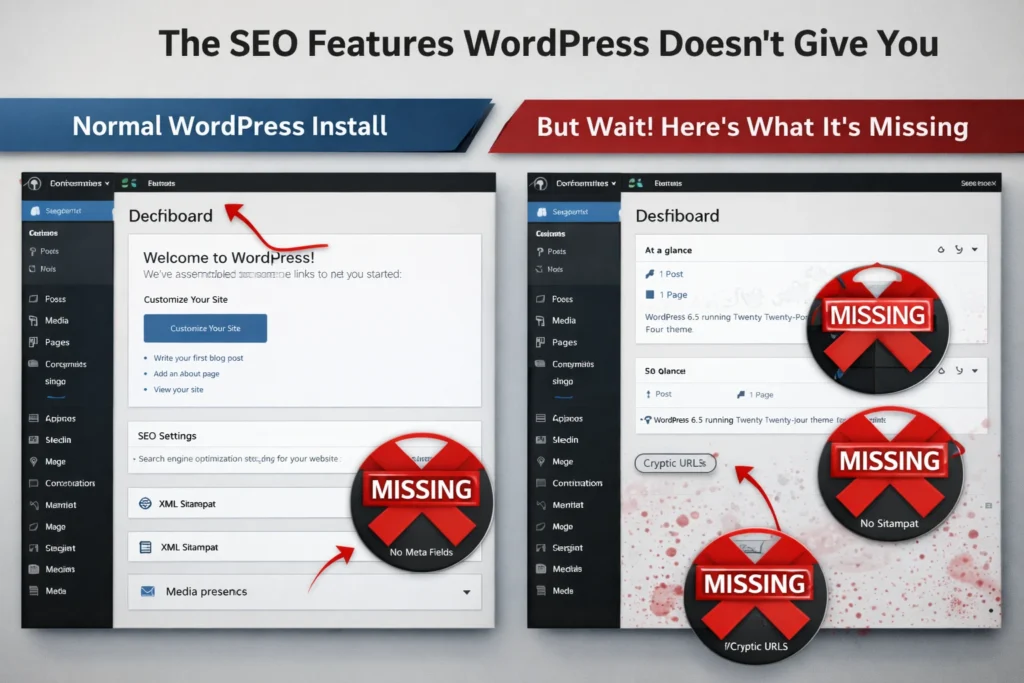
Just because you’re using WordPress doesn’t mean your site is properly set up for SEO. WordPress, out of the box, gives you a solid foundation for publishing content, but it doesn’t give you control over how search engines see that content.
Without the right plugins to add title tags, meta descriptions, and sitemaps that tell Google what your pages are about, SEO mishaps are bound to happen.
These are some of the most common WordPress SEO mistakes we see from businesses that assumed WordPress was ready to go.
Default Permalink Settings That Hurt Search Results
The permalink is your page’s permanent web address, and if it looks clunky or cryptic, search engines will likely struggle to understand what the page covers just by looking at the link.
To give you a clear idea, let’s compare these two examples: yoursite.com/?p=847 versus yoursite.com/seo-tips-for-small-business. The first one tells search engines nothing, while the second clearly signals what the page is about.
WordPress defaults to those question mark URLs with random numbers (which is terrible for SEO). Most people don’t realize this until months after launch. And by then, fixing URLs means setting up redirects to avoid losing any rankings you’ve already built.
Thankfully, the fix takes five minutes: go to Settings → Permalinks and switch to “Post name.” Do this before you launch, and you won’t have to deal with redirects later.
Why Every WordPress Site Needs an SEO Plugin
SEO plugins fill the gaps WordPress leaves in your site’s technical setup. They automatically add title tags and meta descriptions, generate XML sitemaps to guide search engines, and help you spot indexing problems before they affect rankings.
Tools like Yoast SEO and Rank Math handle most of this technical work automatically, so you don’t need to code anything manually. They even guide you through best practices for each post and page, making it clearer what needs optimization.
Remember, setting up these SEO basics early helps you avoid costly fixes later.
Site Speed Issues You Can’t Feel on Your Computer

If your site feels fast, you’re probably testing it in ideal conditions that don’t reflect real user experience. Because on an office computer with a strong internet connection and modern hardware, almost any site feels instant. But the problem is, most visitors don’t experience it that way.
Let’s look at how to effectively spot these issues.
What Google PageSpeed Insights Actually Measures
PageSpeed Insights shows you how fast your site loads for real users, not just in a controlled testing environment. It combines simulated lab tests with real-world performance data collected from actual Chrome users, which gives you a more realistic picture than testing from your own office setup.
What’s more, lower PageSpeed scores usually mean real visitors are waiting longer than they should. For example, a score around 50 signals that your site falls well below Google’s recommended performance thresholds. And that gap becomes even more important on mobile.
That’s mainly because mobile devices have less processing power and often rely on cellular networks instead of Wi-Fi. When you cut corners on hosting or skip image optimization, mobile users feel every second of delay.
Google’s performance data reflects how your site behaves on real devices and real networks, not how it loads on your machine. If you want to keep your WordPress site fast, you need to measure what actual users experience.
Mobile Responsive and Mobile Optimized: What You Need to Know
A responsive site is like a shirt that stretches to fit, while an optimized site is tailored specifically for you. Responsive design makes your layout adjust to smaller screens without breaking. And that’s just scratching the surface of what mobile users actually need for a good experience.
Mobile optimization goes further than just making a site fit on a phone. It improves tap targets, load times, and navigation flow. These improvements are important because Google can tell the difference between a site that merely fits on a phone and one designed to work well on mobile.
When a site isn’t optimized for mobile, visitors are more likely to leave for a competitor. In fact, Google research shows that 53% of mobile visitors leave sites that take longer than three seconds to load.
That gap between responsive and optimized directly affects rankings. Search engines tend to prioritize sites that load quickly and function smoothly on mobile. When visitors struggle with small buttons, slow load times, or clunky navigation, they leave.
Those signals tell search engines your site isn’t meeting user expectations, which can push it down in search results.
How to Optimize Images the Right Way

Many websites upload large image files straight from cameras or design software without thinking about file size. But those unoptimized images often make up the biggest portion of what visitors have to download, which slows page load times.
The good news is that these mistakes are easy to fix:
- Uploading Without Compression: A single high-resolution photo can be 3–5MB when it only needs to be around 200KB. Compression tools like TinyPNG often reduce image sizes by 50% or more with little to no visible quality loss.
- Skipping Alt Text Completely: Alt text doesn’t affect load time, but it does affect how search engines understand your content. Leaving it blank means missing out on image search visibility and accessibility benefits that support overall SEO performance.
- Using the Wrong File Format: PNG files are often used for photos, even though they can be three to four times larger than necessary. JPEG is better suited for photographs, while modern formats like WebP can reduce file sizes even further when your hosting supports them.
Fix these issues, and you’ll reduce page weight, speed up loading, and make it easier for search engines to understand what your images show.
The Meta Description Myth: Why Search Engines Still Care
Meta descriptions still influence your click-through rates even when Google rewrites them. It’s true, Google rewrites meta descriptions over 70% of the time based on search queries. So why bother writing them at all? Good question.
Because that remaining 30% appears exactly as you wrote it. When your description shows up unchanged, you control the message users see before clicking. And here’s the thing: well-crafted descriptions improve CTR even when Google modifies them slightly, since Google often pulls phrases from your original description when rewriting.
Plus, meta descriptions force you to think. Writing a clear 150-character summary makes you articulate your page’s value, which usually improves the content itself (we’ve seen this happen over and over).
Search engines don’t use meta descriptions as a ranking factor. But they influence which result users click. When two pages rank similarly, the one with a more compelling description gets more traffic.
Why Ignoring Google Search Console Costs You Traffic

Google Search Console hands you free data that shows exactly where your SEO is failing. It even shows you which queries bring visitors and which pages rank poorly. Plus, the tool flags indexing problems and mobile issues before they hurt your traffic.
In our experience, businesses often have Search Console installed but haven’t opened it in months. The result? They miss warnings about pages Google couldn’t crawl, broken links affecting user experience, and keywords where they’re stuck on page two.
The real value of Search Console lies in the performance report. It reveals which search terms already drive traffic to your site and where you’re close to ranking higher.
To make use of this data, start by reviewing the queries bringing visitors, then work through the SEO fixes the data reveals.
Time to Fix What’s Holding You Back
You’ve spotted the problems holding your rankings back, so let’s talk about which ones to tackle first.
Start with the permalink structure and install an SEO plugin before touching anything else. Clean URLs and proper metadata give search engines the foundation they need to understand your content.
After that, test mobile performance on actual phones (not just your desktop browser). What looks fast on your computer might struggle on mobile devices, where most searches happen. Then check Google Search Console weekly to catch problems before rankings drop.
Need help sorting through the technical stuff? We handle WordPress SEO optimization for businesses that want results without the headaches. Contact us today, and we’ll show you exactly what’s slowing your site down.